Extreme Soccer Control Cheatsheet
A glanceable bindings sheet for street-court passes, banks, and finishes.
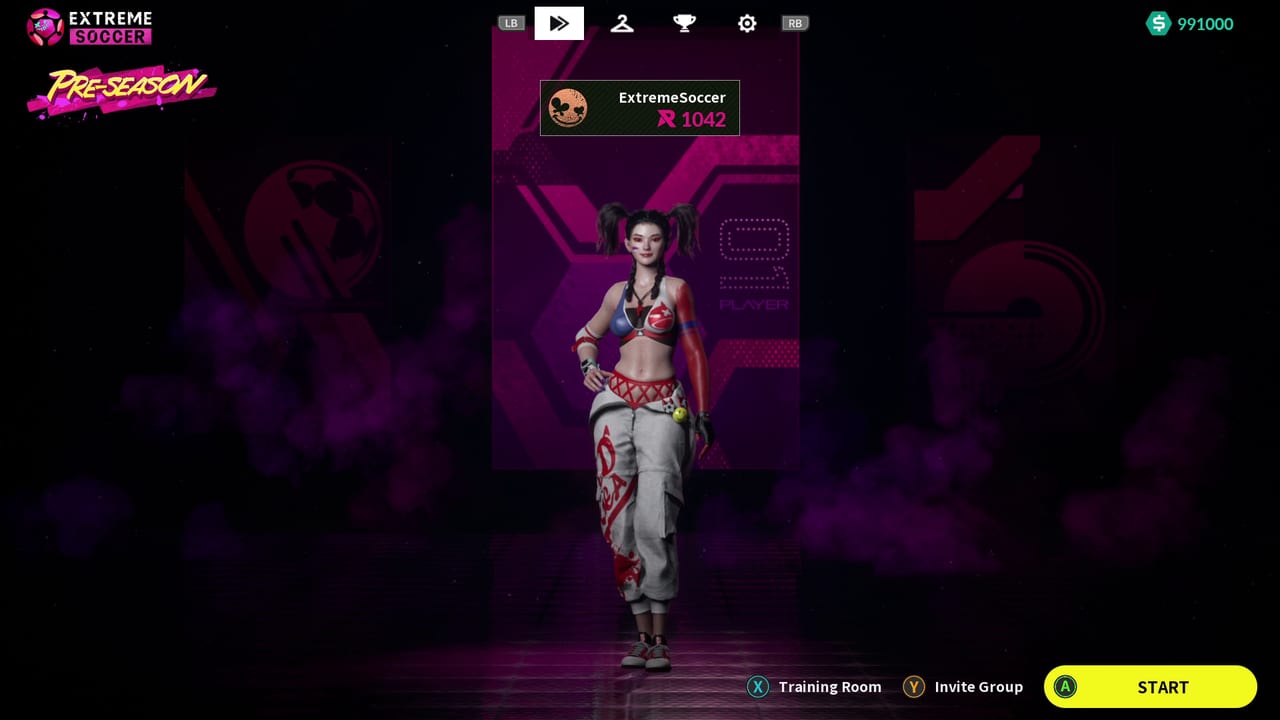
Extreme Soccer lives or dies on input clarity. Matches are short, walls are active participants, and assisted team passes expect you to commit without fumbling for the right key. This cheatsheet is the printable-style companion to the deeper Controls hub. Keep it open on a second monitor, print it for a couch setup, or screenshot it before a party night.
Steam lists full controller support for Extreme Soccer. Keyboard remains viable, but many players find analog movement cleaner when banking the ball along the boards. Use this page as the quick layer; use Keyboard Controls and Controller Controls when you need longer explanations, troubleshooting, or layout variants.
Match-day reminder card
| Moment | Keyboard focus | Controller focus |
|---|---|---|
| Kickoff press | Move plus early pass commitment | Left stick plus face-button pass |
| Wall bank | Approach angle before the touch | Feather stick into the board, then pass or shoot |
| Assisted team pass | One clean pass input toward a teammate lane | Same idea with the pass button; do not mash sprint |
| Shot | Direction first, power second | Aim with stick, commit shoot without spinning |
| Recovery | Sprint only when you have a lane | Sprint to cut a counter, then settle |
Core actions to memorize
Extreme Soccer’s street kit is closer to arcade futsal than a simulation pad. You are not managing twenty players; you are piloting one athlete with pass, shoot, sprint, and character ability as the main verbs. Confirm the exact bindings on Keyboard Controls or Controller Controls, then treat the list below as the mental model:
- Move — position for wall angles before you touch the ball.
- Pass — including assisted team passes that send the ball across the court to a teammate.
- Shoot — finish after a cutback, rebound, or bank.
- Sprint — close space or escape a marker; overuse ruins touch.
- Ability — character special; time it like a cooldown tool, not a panic button.
- Call / team ask — when available, request the ball if you are open rather than ball-chasing every rebound.
Wall physics checklist
The store page highlights intelligent passes that use surrounding walls. That is not flavor text. Before every touch near a board, ask:
- Where will the ball exit if I bank at this speed?
- Is a teammate already filling that exit lane?
- Am I sprinting so hard that I overshoot the rebound?
- Should this be a pass off the wall or a shot off the wall?
Practice those questions in a low-stakes match, then bring the habit into party play. Deeper drill ideas live under Guides. Character fit for wall work belongs in Character Compare and the Players Hub.
Keyboard quick reference workflow
- Open Keyboard Controls and write your actual key binds into the blank rows below.
- Play one match focusing only on pass timing.
- Play a second match focusing only on wall banks.
- Return here and mark which actions still feel slow.
| Action | Your key | Comfort 1-5 |
|---|---|---|
| Move | ||
| Pass / assist pass | ||
| Shoot | ||
| Sprint | ||
| Ability |
Controller quick reference workflow
- Open Controller Controls and confirm Steam Input is not fighting the native layout.
- Set deadzones so tiny stick moves can still place a soft wall pass.
- Play a match without touching sprint except on recovery.
- Rate comfort again after you can bank without spinning the camera or stick.
| Action | Your button | Comfort 1-5 |
|---|---|---|
| Move | Left stick | |
| Pass / assist pass | ||
| Shoot | ||
| Sprint | ||
| Ability |
Party-night print plan
If you are hosting friends who have not played since Early Access:
- Print or pin this cheatsheet plus links to Controls.
- Assign characters with Character Compare before the first queue.
- Agree that the first ten minutes are wall-pass practice, not ranked ego.
- Point ownership questions to Steam Status so nobody tries to buy a delisted store page mid-session.
- Keep the Wiki Hub handy for the Steam community discussions and support@nine-m.com.
Common input mistakes
- Holding sprint through every touch, which kills controlled banks.
- Shooting before the stick or mouse aim settles.
- Spamming ability on cooldown instead of waiting for a 2v1.
- Ignoring assisted pass lanes because you want the highlight dribble.
- Switching between keyboard and controller without re-checking the Controls pages.
After the cheatsheet
When bindings feel automatic, move on to match habits in the Guides Hub, roster nuance in the Players Hub, and competitive context in the Tier List Hub. If you want a broader verdict on whether Extreme Soccer still deserves party time, read the Review Hub. Track long-term goals with Achievements and browse other helpers from the Tools Hub.
This sheet will not replace practice on the street court, but it removes the worst kind of friction: forgetting which input creates the pass that Extreme Soccer’s team-play system is built around.
Frequently Asked Questions
Quick answers to the most common questions.
Is this a full controls guide?
No. This is a glanceable cheatsheet. Use the Controls hub plus Keyboard Controls and Controller Controls for full detail.
Does Extreme Soccer have full controller support?
Yes. Steam lists full controller support. Many players prefer a pad for wall-angle movement.
What should I practice first?
Pass timing and wall banks before fancy dribbles. Those two actions decide most street-court possessions.
Can I print this page?
Yes. The tables are designed as a printable reference. Fill in your personal binds from the keyboard and controller pages.
Where do I go if inputs feel wrong in Steam?
Recheck Controller Controls, disable conflicting Steam Input overlays if needed, then verify ownership and launch status on Steam Status.