Extreme Soccer Tools
Decision helpers for roster picks, bindings, and match prep.
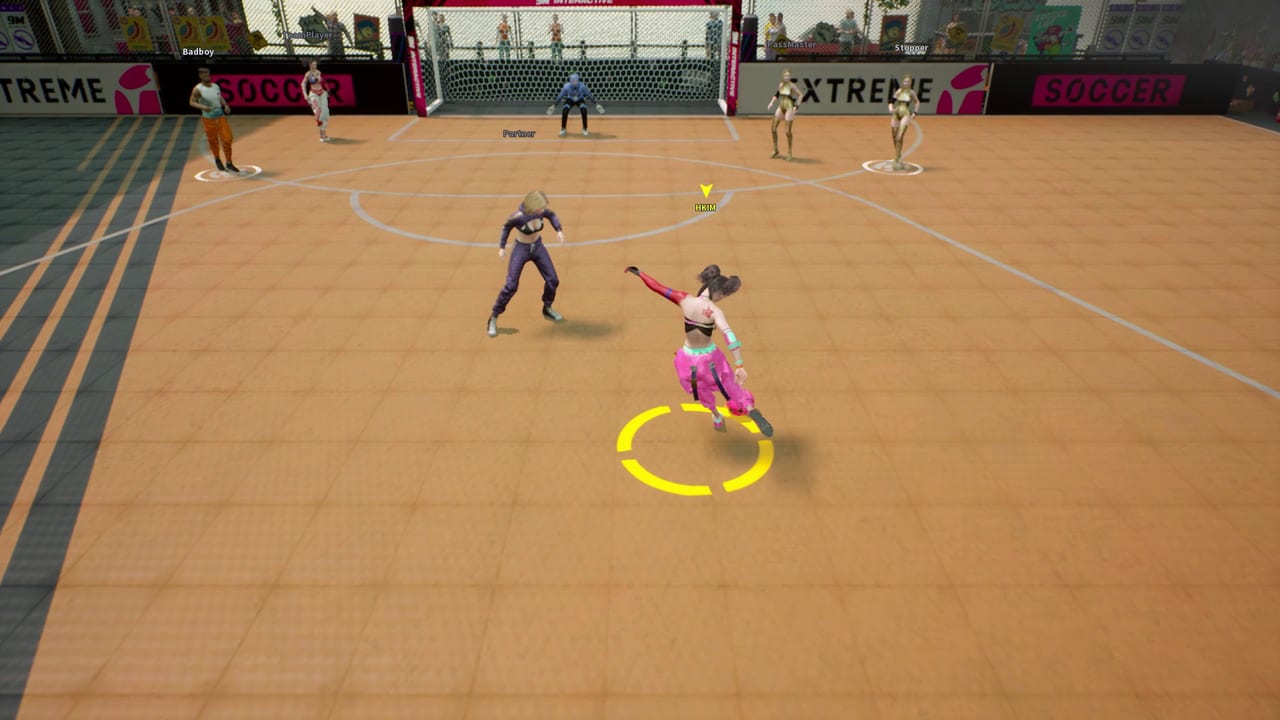
The Tools Hub is the practical side of this unofficial Extreme Soccer wiki. Guides explain systems. The Players Hub covers the five-character roster. The Tier List Hub ranks what tends to work in competitive lobbies. Tools sit between those pages: short frameworks you can use before a queue, during a practice session, or when you are teaching a friend how the street court actually plays.
Extreme Soccer is a physics-first 3v3 online soccer game from 9M Interactive. Matches reward wall angles, assisted team passes, and character abilities more than menu grinding. Because the Steam storefront has purchase disabled and the remaining player pool can be thin, every session benefits from faster decisions. These tools are written for owners who can still launch the game from their library and want less time wasted rediscovering bindings or arguing about who should start.
What you will find here
Character Compare
Open the Character Compare page when you need a structured way to pick among the five available athletes. It is not a replacement for the Tier List Hub. Instead it gives you columns for pace, shooting pressure, defensive recovery, wall-pass comfort, and party roles so you can match a character to the job your trio actually needs. Pair it with roster notes from the Players Hub after you settle on a playstyle.
Control Cheatsheet
The Control Cheatsheet is a printable-style reference for keyboard and full controller layouts. Extreme Soccer advertises full controller support, and street soccer inputs feel very different from simulation titles. Use the cheatsheet beside the deeper Controls pages so you can glance at shoot, pass, sprint, and ability timing without scrolling a long article mid-match.
How to use tools with the rest of the wiki
- Confirm you still own and can launch the title using the Steam Status notes if the storefront confuses you.
- Read How to Play or the beginner path under Guides so the tools have context.
- Learn bindings on Controls, then keep the Control Cheatsheet open while you practice wall passes on the street court.
- Shortlist characters with Character Compare, then validate the pick against the Tier List Hub and Players Hub.
- After a few matches, chase milestones on the Achievements page and revisit the Review Hub if you are deciding whether the game still fits your group.
Why tools matter in a delisted street soccer title
When a game leaves active storefront sales, documentation often disappears with it. Extreme Soccer still has real systems worth mastering: wall physics, assisted passing, five distinct characters, and a twelve-achievement Steam set. Tools keep those systems usable for owners who return months later, or for friends who join a private party without wanting a twenty-minute lecture. If you only bookmark one section besides Guides, make it this hub plus the Wiki Hub for official Steam and support links.
Suggested workflow before a party night
- Warm up with the Control Cheatsheet for five minutes of wall-bank shots.
- Assign roles with Character Compare so you do not field three pure attackers.
- Agree on a simple signal for assisted passes and kickoff pressure using habits from the Guides Hub.
- Track one achievement target from Achievements so the session has a lightweight goal even if matchmaking is quiet.
For official store context, community discussion links, and the support email, jump to the Wiki Hub. For patch and ownership history, stay inside Updates.
Frequently Asked Questions
Quick answers to the most common questions.
What is the difference between Tools and Guides?
Guides teach systems in long form. Tools give short frameworks and reference sheets you can use immediately before or during a session.
Should I use Character Compare or the Tier List first?
Start with Character Compare to match a role to your playstyle, then check the Tier List Hub for competitive context among the five characters.
Does Extreme Soccer support controllers?
Yes. Steam lists full controller support. Use the Control Cheatsheet with the Controls pages for keyboard and gamepad layouts.
Are these tools only for new players?
No. Returning owners often need a fast bindings refresh and a role checklist after long breaks, especially with a thin online pool.
Where should I go after finishing the tools?
Move to Guides for match habits, Players for roster detail, Updates for Steam status and achievements, and the Wiki Hub for official links.